Free proxies for Ticketmaster fail at the one moment that matters, the on-sale, and the reason is specific to how Ticketmaster sells. You can sometimes point a fresh free proxy at an event page to check a price or a date from another region. You cannot hold a queue position through one, you cannot run accounts behind one safely, and the second the waiting room opens a free proxy becomes the fastest way to lose the slot you waited for. This is the free-proxy angle, honest about the narrow place it fits and the large place it does not. If you have already decided the on-sale is worth doing properly, the paid side is in proxies for Ticketmaster.
We re-check a free proxy list every few minutes and keep scraping traffic alive for a living, so this is measured rather than guessed. Ticketmaster is a live race with a waiting room in front of it, and that changes what a proxy has to do. Beyond being anonymous, it has to stay alive and stable for the length of the whole session, which is exactly what a free proxy is worst at.
Why free proxies fail on a Ticketmaster on-sale
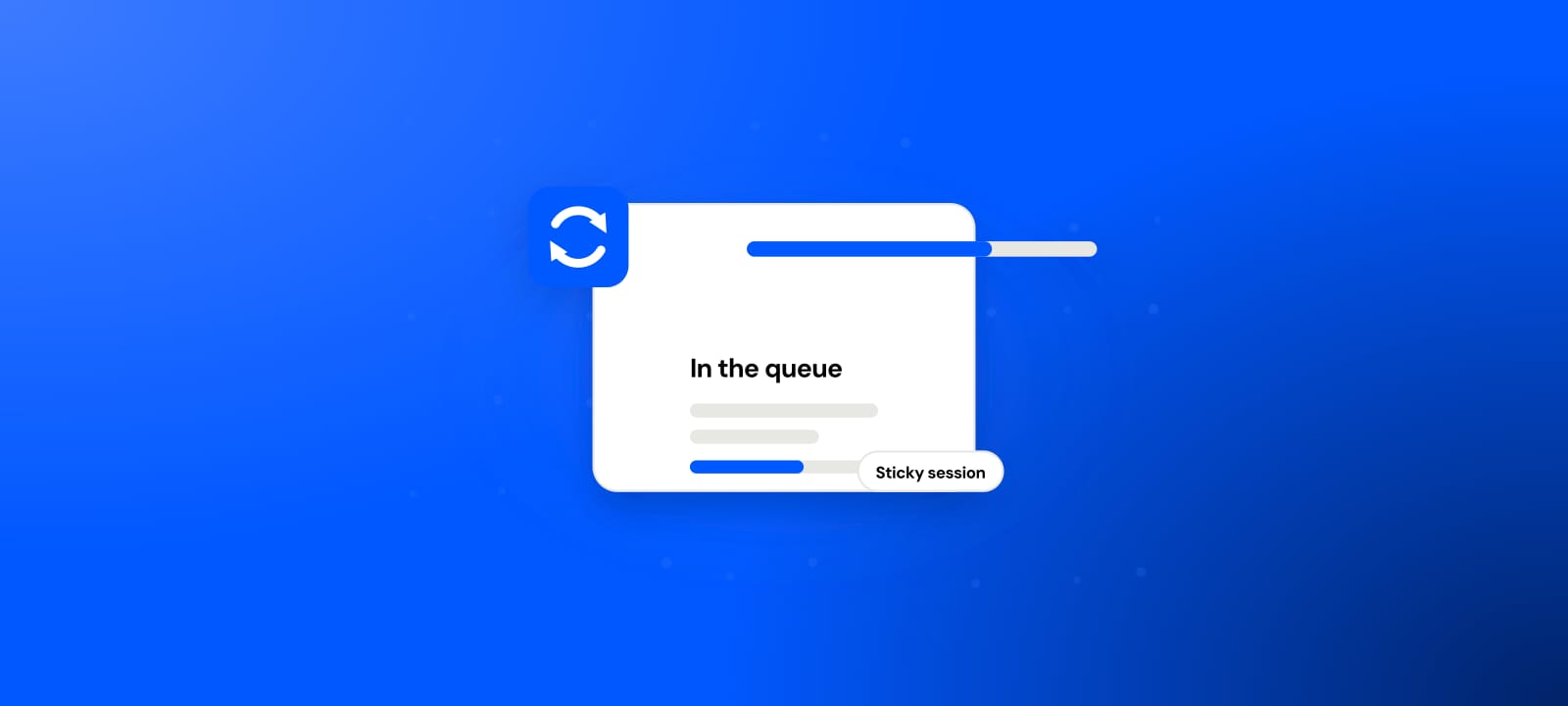
Ticketmaster puts a waiting room in front of a high-demand on-sale, the Queue-it style page that holds your position and admits you when a slot opens. That position is tied to a stable session, and the session is tied to your IP staying up. A free proxy is a shared datacenter address that dies on a cycle measured in minutes, so the connection drops partway through the wait, the session breaks, and you are sent to the back or out entirely. The half hour you spent in the queue is gone in one dropped packet.
Underneath that sits the second wall. Free proxies are overwhelmingly datacenter IPs, and in our free proxy data study, built from 129,131,311 checks across 589,918 tracked proxies, the single largest source is Amazon's own cloud, followed by other hosting providers. Ticketmaster distrusts those ranges by default, so a datacenter exit draws bot checks and blocks before the queue even admits it. And the address is already spent: thousands of people share the same open relay, so you inherit whatever rate-limit budget they left, which is usually none.
Join the waiting room
position tied to your session
Free proxy dies
shared datacenter IP, minutes of life
Session drops
the queue loses your place
Back of the line
or blocked outright
The one job a fresh free proxy can do
None of this makes free proxies useless on Ticketmaster. It makes them narrow. There is a real case where a fresh free proxy is the right, cost-free tool: a single, logged-out look where a dead connection costs you nothing.
Say you want to see whether an event is listed on Ticketmaster.co.uk as a UK fan would, or check a price or an on-sale time on the Canadian marketplace, or confirm a page renders from another country. One request, no login, no queue, nothing riding on the connection staying up. For that, a fresh proxy in the right country off a live list does the job. The moment the task becomes an actual on-sale, a presale code, or an account, free stops being narrow-but-useful and becomes the reason you miss out.
How to verify a free proxy before Ticketmaster sees it
Never trust a proxy just because it came off a list. For anything touching Ticketmaster, three things have to be true at once: the proxy is alive, it exits in the exact country of the marketplace you are using, and it is elite (it hides your real IP rather than leaking it in the headers). A transparent proxy that forwards your address is worse than none.
The fastest check is our proxy checker: paste an IP and port and it reports the exit IP, country, latency and anonymity grade in one pass, no signup. Confirm the country matches the marketplace before you rely on it. If you prefer the terminal, one line does the core test: curl -x http://IP:PORT --max-time 10 https://httpbin.org/ip. If the reply shows the proxy's IP and not yours, it is alive, and --max-time makes dead ones fail fast. The full method is in how to check if a proxy is working. Do it seconds before use, because on a live on-sale a proxy that was alive a minute ago tells you nothing.
Free versus paid, by Ticketmaster task
| Ticketmaster task | Free proxy (public datacenter) | Paid residential, ISP or mobile |
|---|---|---|
| One logged-out event or price check abroad | Sometimes, for a few minutes | Reliably, exits where you pin it |
| Holding a waiting-room position | No, the IP dies mid-queue | Stable session, survives the wait |
| A presale with a code | Flagged before it starts | Trusted IP, matched to the region |
| Running multiple accounts | Linked and canceled, risky | Not something we help set up |
| How long the IP lasts | Minutes | Stable, on demand |
| Cost | $0 plus a missed on-sale | From $0.44/GB, pay as you go |
When the job needs residential
You have crossed the line the moment the task is a real on-sale rather than a look. That is where residential proxies fit: IPs that ISPs assign to home connections, so Ticketmaster sees an ordinary fan rather than a datacenter box with a shared reputation. For a queue you want a sticky session, so one attempt holds a single trusted IP alive from the waiting room through checkout, matched to the event's region. A clean ISP proxy or a mobile proxy does the same job where the target is strictest. None of this promises tickets, because Verified Fan, account history and plain demand decide the rest, and buying to resell runs against Ticketmaster's terms, a risk you own no matter how good the IP.
For the learning-and-testing tier, start with our free proxy list: 100-plus countries, all four protocols, re-checked every few minutes with the dead dropped instead of counted. Verify anything before you trust it in the proxy checker, and read when free proxies are fine for the exact line between disposable and production. When the on-sale actually matters, our residential proxies at $0.44/GB pick up precisely where free gives out, pay as you go, no expiring balance.