A proxy is a server that sends your web requests for you, so the website sees the proxy's IP address instead of yours. Your browser or app connects to the proxy, the proxy connects to the site, and the answer travels back the same way. The HTTP standard puts it formally: a proxy is "a message-forwarding agent that is chosen by the client".
Proxies differ in two ways. One is the protocol they speak: HTTP, HTTPS or SOCKS5. The other is where their address comes from: a data center, a home internet connection, an ISP range or a mobile carrier. This page explains how the relay works and what a website sees through one. It also covers the types, what each costs, and what a proxy leaves to other tools.
What is a proxy server?
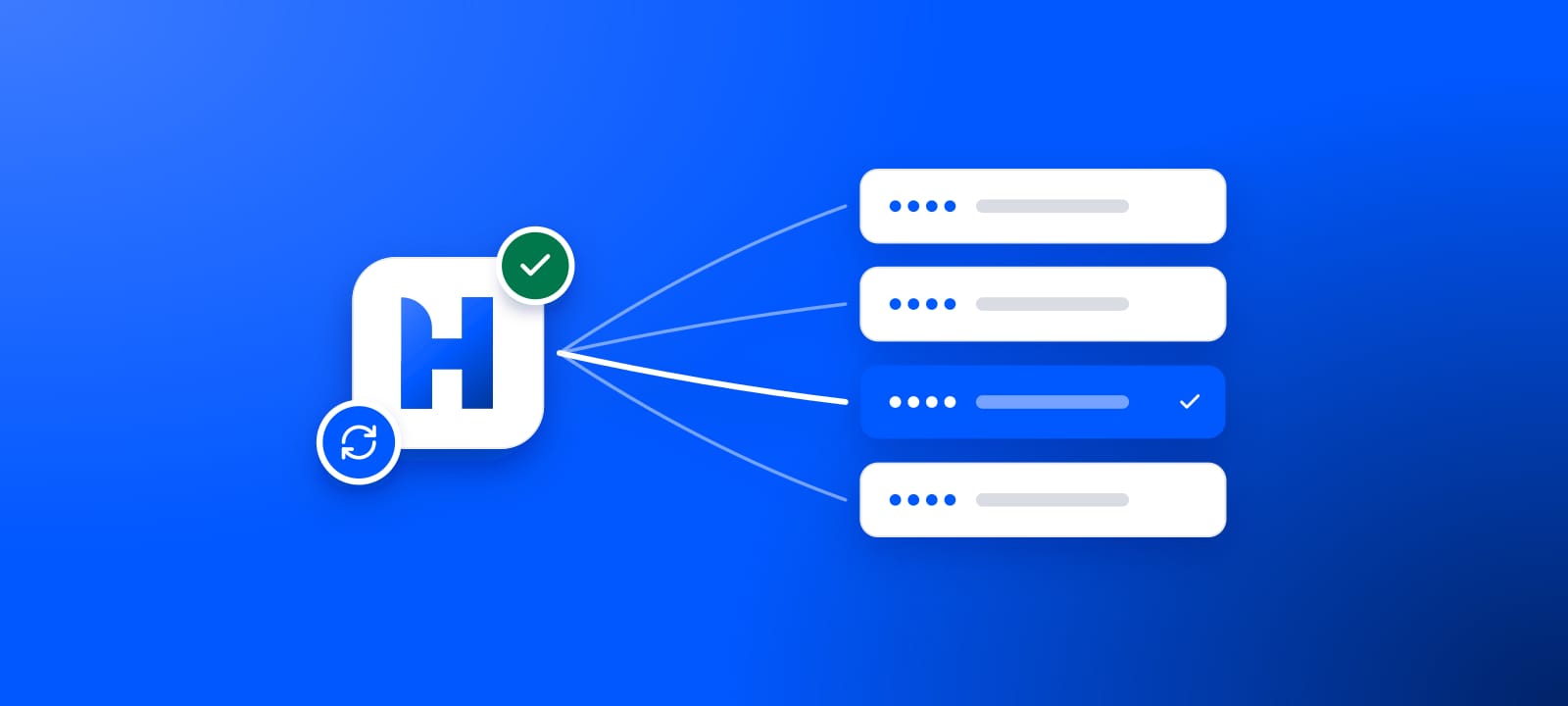
A proxy server is an intermediary that makes internet requests on your behalf. Your traffic goes to the proxy first, and the proxy forwards it to the website you want. The response comes back through the proxy to you. Because the request leaves from the proxy, the website sees the proxy's IP address. That substitution is the core of the job.
Proxy
intermediary server
A server that makes internet requests on your behalf. Your traffic goes to the proxy, the proxy forwards it to the website, and the answer comes back the same way, so the website sees the proxy's IP address instead of yours.
- Also called
- proxy server
How does a proxy work?
Without a proxy, your device opens a connection straight to a website. The site sees your real IP, the address your internet provider assigned you. Every website you visit learns that address, because it has to send the answer somewhere.
A proxy inserts one hop. Your device connects to the proxy and hands it the request, and the proxy opens its own connection to the target. The target sees the address where the request finally leaves for the open internet, the exit IP, which belongs to the proxy.
Your device
your real IP
Proxy server
swaps in its own IP
Target website
sees the proxy's IP
HTTPS works through the same hop. Your app asks the proxy to open a tunnel with the CONNECT method. From then on, the standard has the proxy "restrict its behavior to blind forwarding of data". The site's own encryption runs end to end inside that tunnel, so the proxy carries the bytes without reading them.
To a website an IP address is an identity. The moment a request arrives, the site can look up who owns the address: the ASN, or Autonomous System Number, behind it. It can also see roughly where the address sits and what kind of network it belongs to. Swap the exit IP and every one of those answers changes. That one lever powers scraping without bans, seeing prices as a local shopper, checking ads by country, and keeping separate accounts separate.
What does a website see through a proxy?
The exit IP, always. Beyond that, it depends on what the proxy adds to the request. A proxy can name itself in the Via header, which the HTTP standard defines to show "the presence of intermediate protocols and recipients". It can also pass your own address on, in the Forwarded header of RFC 7239 or the older X-Forwarded-For.
Free proxies do both, often. On October 22, 2026, we sent a plain HTTP request through every working free proxy on our list. Each went to our own test server, and we read what arrived.
- Named a proxy and hid the user44%
- Passed the user's real address on42%
- Added no proxy header14%
So 86% of them named a proxy in a header, and 42.3% handed the website the address they were meant to hide. Headers are only half the story. The same day, an IP reputation check flagged 99.1% of the 7,082 working free proxies we track, the quiet ones included. Our page on anonymous proxy detected covers that measurement in full.
What types of proxies are there?
Every proxy does the same relay. What separates one from another comes down to two independent choices.
The protocol you speak to it. This decides what traffic the proxy can carry. An HTTP proxy understands web requests and is the default for browsers and scrapers. A SOCKS5 proxy sits lower down and relays any TCP connection, and UDP where both ends support it. That is why it handles email, torrents and game clients. HTTP vs SOCKS5 proxy puts them head to head, and what is a SOCKS5 proxy covers the SOCKS side.
Where the IP comes from. This decides how much a website trusts the address, and it is where most of the price difference lives:
- Residential: an address on a home internet connection from a consumer provider. It reads as an ordinary person, which is why defended sites let it through. See what is a residential proxy.
- ISP: a static address registered to a consumer provider but hosted in a data center, so it pairs residential trust with server speed. See what is an ISP proxy.
- Mobile: an address from a cellular carrier. Carriers put many users behind one address, so sites hesitate to block it. See what is a mobile proxy.
- Datacenter: an address owned by a hosting company. Fast and cheap, and easy for a defended site to spot. See what is a datacenter proxy.
Protocol and source combine freely: an HTTP residential proxy and a SOCKS5 datacenter proxy are both normal. Pick the protocol for the traffic and the source for how suspicious the target is. The source also sets the price.
Datacenter and ISP proxies are mostly sold per IP, so their per-GB samples are smaller. Types of proxies compares all four in depth.
Forward and reverse: the word points two ways
When most people say "proxy" they mean a forward proxy. That is the kind you set up in your own software, working on your behalf to reach the internet. Its mirror image is the reverse proxy, which sits in front of a website's own servers and works for the site. MDN sums up the split: forward proxies serve clients. Reverse proxies are "used to control and protect access to a server for load-balancing, authentication, decryption or caching". A proxy you buy to change what a site sees is always a forward proxy. Forward vs reverse proxy untangles the two in full.
What can a proxy server do?
- Change the address a site sees, which is what scrapers, price checkers, ad checkers and account managers buy proxies for.
- Filter, log and cache for an organization. The HTTP standard notes that proxies "are often used to group an organization's HTTP requests through a common intermediary for the sake of security services, annotation services, or shared caching".
- Speed up repeated content, when the proxy caches what many people request. A proxy you use to change your address adds a hop, so each request usually gets a little slower.
What a proxy leaves to other tools
Swapping the exit IP changes one column of facts about you and leaves the other as it was.
What a proxy changes
The exit IP
the address the site sees
Your apparent location
where you seem to connect from
Your apparent network
the ASN the site reads you as
What stays as it was
Encryption
only the site's own HTTPS protects your data
Your whole device
a standard proxy routes one app
Your fingerprint
headers, TLS, cookies and behavior still describe you
Encryption comes from HTTPS. A standard proxy relays your bytes without scrambling them. What keeps your data private is the site's own HTTPS, which works through the proxy either way. On a plain HTTP site, a plain HTTP proxy's operator can read everything you send.
A VPN covers the whole device. A VPN encrypts and routes everything your device sends to its server, while a proxy usually routes one app and adds no encryption. Proxy vs VPN vs Tor lays out when each one wins.
Anonymity takes more than an address. The IP is the first signal a site reads, and the free-proxy numbers above show how often a proxy gives itself away. Headers, the TLS fingerprint, cookies and behavior describe you too, as how websites detect proxies explains.
Which proxy do you need?
Start from the target. If the site barely checks, a cheap datacenter address over HTTP does the job, and anything more is wasted money. If the target has a real bot team, you want a residential or ISP address that reads as a genuine user. The protocol follows whatever your tool speaks.
Our residential proxies cost $0.50 per GB for one GB, and the balance does not expire. Every plan answers on both HTTP and SOCKS5. You can also start free, with no signup. Pull live addresses from our free proxy list and test them in the proxy checker. It shows what a website would see. How to use a proxy walks through the setup step by step.
What this page could not check
- No network tests. We measured no proxy network's speed or block rate, ours included.
- Free proxies only. The header shares come from free proxies, which behave differently from paid ones.
- Per-GB samples. Datacenter and ISP proxies are mostly sold per IP, so 17 and 11 sellers stand behind their per-GB medians.
- Check by January 22, 2027. Free pools change by the hour and prices by the month.
Sources
- RFC 9110, HTTP Semantics, IETF, June 2022: section 3.7 (intermediaries), section 7.6.3 (Via) and section 9.3.6 (CONNECT).
- RFC 7239, Forwarded HTTP Extension, IETF, June 2014.
- MDN, "Proxy servers and tunneling", read October 22, 2026.
- HProxy free proxy measurement, October 22, 2026: 3,089 working free proxies relaying a plain HTTP request to our test server; 7,082 working free proxies checked against an IP reputation source.
- HProxy price records: per-GB plans of 64 sellers, captured July 20 to October 14, 2026, with headline "from" prices left out.