Proxies for gacha rerolling answer one of the most genuine questions a gacha player brings to proxies, because rerolling is, by nature, mass account creation, and mass account creation from a single address looks like exactly that. Rerolling means making new accounts and pulling the free starter currency until you land a strong character, then keeping the best account and discarding the rest. Do a handful and it is invisible; do many, especially in parallel across emulator instances, and a game can see a cluster of new accounts all from one connection. Giving each fresh account its own residential address is how a batch of rerolls reads as separate, ordinary new players. This page is the honest version of that, across the gacha titles.
It covers what rerolling is, why the address matters, the region angle at creation, where a proxy does not help, and which type fits.
What proxies are best for gacha rerolling?
Residential proxies, one fresh address per account you want kept separate, set at the phone's operating-system level on mobile or in the client on PC, with a sticky residential or ISP address for the winner you keep. Datacenter is a poor fit, because sign-up flows distrust hosting ranges. No proxy type improves your pull odds, does the pulling, or makes rerolling permitted where a game forbids it. A proxy keeps the accounts from clustering on one IP, and sets the server region at creation.
What rerolling is, and why the address matters
Gacha games hand new accounts a generous stack of starter currency to hook players, and rerolling turns that into a strategy: create an account, rush to the first pulls, and if you do not get the character you want, abandon it and make another, keeping only the account that lands a strong start. Dedicated rerollers run several attempts at once, and the standard tool is an emulator's multi-instance manager, which runs several copies of the game side by side, each with its own account, turning one slow reroll into four, six, or eight in parallel.
That parallelism is exactly where the address matters. Several fresh accounts created and pulling at the same time from one home IP is a cluster, and a game that watches for abuse can group them. A separate residential address per account keeps each one looking like an ordinary new player in an ordinary home, which is the whole point. Be exact about the boundary, though: a proxy separates the addresses, it does not improve the odds, and it does not perform the pulls. The reroll work is yours; the proxy only keeps the accounts from sharing one connection.
Many new accounts
parallel across instances
One home IP
reads as a cluster
One residential IP each
separate new players
Keep the winner
play it from anywhere
The region at creation, and the games it applies to
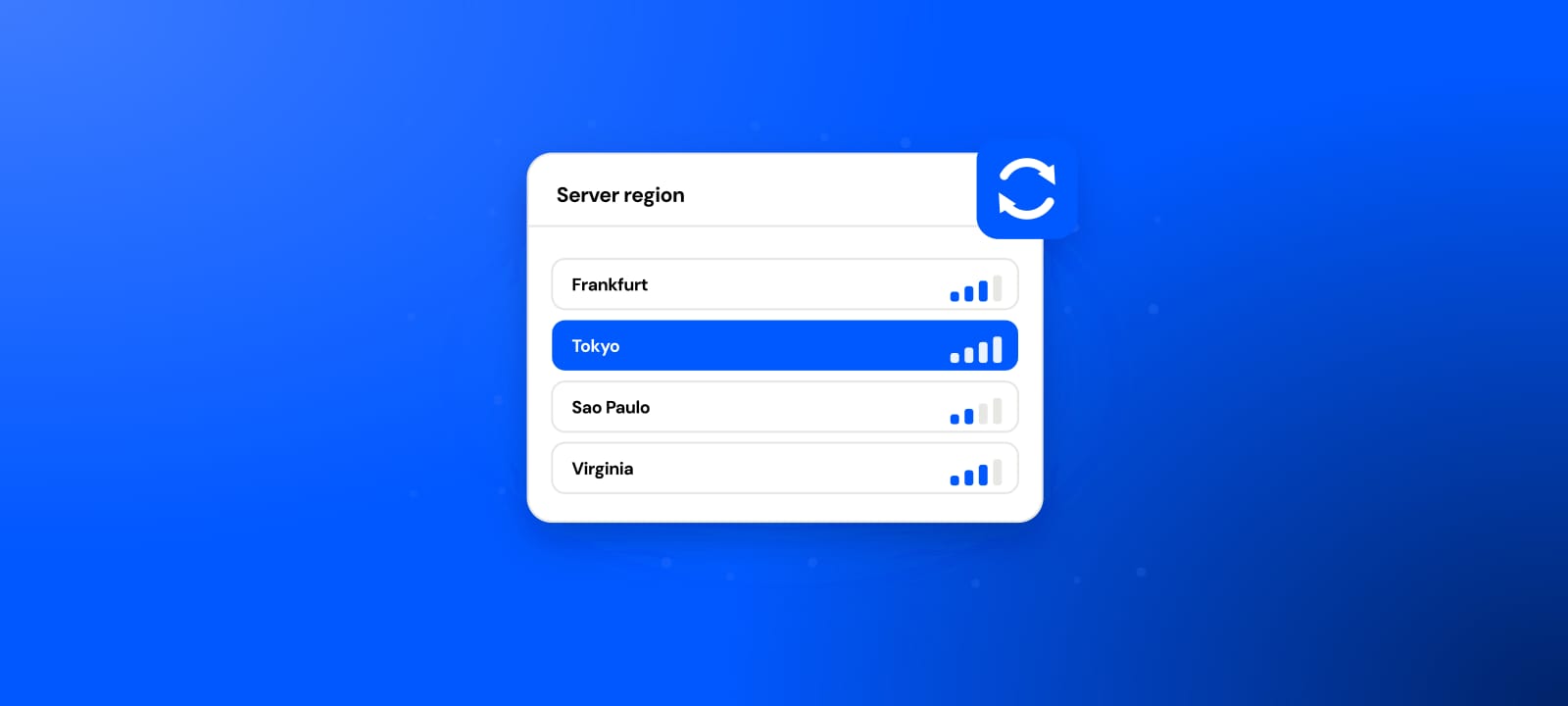
There is a second real use, and it rides along with the first. Most gacha games bind an account to a server region at the moment it is created, so a residential exit in the country whose server you want lets a reroll, and the winner you keep, start on that server. After creation the region is usually fixed, and in several games you can then play the kept account from anywhere regardless of your location. The per-game specifics differ, and the pages that cover them are worth reading before you scale:
- Wuthering Waves: five servers, per-server progress, and the reroll angle in full.
- Honkai Star Rail: a permanent region set at creation, then playable from anywhere.
- Genshin Impact: the HoYoverse region model this shares.
The pattern is the same across them: the address matters at creation, for both the separation and the region, and much less afterwards.
Where a proxy does not help
Two things people hope for, and neither is real. A proxy does not change pull rates, which the game sets, so it does not make good pulls more likely; it only affects how the accounts look. And a proxy does not make rerolling permitted where a game forbids it. Games differ: some tolerate or even build in a reroll flow, others treat mass account creation as abuse, and using many accounts to abuse events or referral rewards can breach terms whatever the IP. A proxy is an address tool, not a rules exemption, and knowing your game's stance is on you.
Which proxy type fits gacha rerolling
Residential proxies are the tool: one fresh address per account you want separate, so each reads as an ordinary new player. For the throwaway rerolls you discard, a rotating residential pool gives a fresh address per account cheaply; for the winner you keep, hold a sticky address. New to the type? What is a residential proxy covers the sourcing.
ISP proxies are static residential, the natural home for the one account you keep and sign into for months.
Datacenter proxies are a poor fit, because sign-up flows treat hosting ranges with suspicion, adding friction at the one moment you want a clean run.
Mobile proxies are carrier addresses, sometimes preferred for a mobile-game audience's realism, at a premium most rerolling does not need.
| Gacha rerolling job | Proxy type | Why |
|---|---|---|
| A batch of throwaway rerolls | Rotating residential, one IP per account | Cheap fresh address per account, no cluster |
| Setting a reroll's server region | Residential, the target country | The address sets the server at creation |
| The winner you keep | ISP or sticky residential | One stable address for a long-lived account |
| Sign-up without extra friction | Residential, not datacenter | Hosting ranges draw sign-up scrutiny |
How to set it up
On mobile, set a residential proxy at the operating-system level per account, using an emulator's per-instance network settings so each instance has its own exit; our Android and iPhone guides cover the OS side. On PC, set the proxy per client or profile. Use a fresh address for each account you want kept separate, and a target-country exit if the server region matters. Verify exits with the proxy checker, watching that each one is alive and in the country you expect.
Reroll batch (one residential exit per account, target country):
  instance 1  ->  fresh residential exit, target country
  instance 2  ->  a different fresh exit, same country
  ...
  the winner  ->  move to a sticky ISP address you keep
How many IPs, sticky versus rotating
As many separate addresses as accounts you want to keep apart in a batch, each held long enough to create and secure the account, then a single sticky address for the winner. Rotating residential suits the disposable rerolls; the kept account wants a stable address. Account creation is light on data, so what you buy is addresses, not bandwidth, and our pricing is pay-as-you-go with a balance that does not expire, which suits reroll bursts around a new banner.
Free versus paid for gacha rerolling
A free proxy is the wrong tool for rerolling, and it is worth saying why: free proxies are shared datacenter addresses that sign-up flows distrust, they die within minutes, and a batch of accounts made on shared, flagged IPs is the opposite of the clean, separate look rerolling wants. Reaching a game on a blocked network is the only free-proxy job here, from our free proxy list, verified in the proxy checker, and never for creating accounts you intend to keep; the safety mechanism is in are free proxies safe. Paid residential at $0.44/GB pay-as-you-go covers a reroll batch for very little, and ISP addresses at $2.70/IP hold the winner.
Where a proxy stops and the banner starts
For gacha rerolling a proxy does two honest things: it keeps a batch of fresh accounts from clustering on one IP, and it sets the server region at creation. It does not improve your pull odds, do the pulling, or make rerolling permitted where a game forbids it. The reroll is your work and your risk under each game's rules; the proxy only keeps the accounts looking like the separate new players they are supposed to be, and lands them on the right server.
For a reroll batch, clean residential at $0.44/GB pay-as-you-go, one exit per account, is what fits, and an ISP address at $2.70/IP holds the winner you keep. Read the page for your specific game, give each account its own address, and let the pulls be pulls.
Sources
- FandomSpot, What does rerolling mean in gacha gaming (making new accounts and pulling until a strong start, then keeping the best): fandomspot.com
- LDPlayer, multi-instance gacha reroll guide (running several game instances in parallel, each with its own account): ldplayer.pro
- HoYoverse Support, why an account cannot be transferred to another server (region fixed at creation, the model most gacha share): support.hoyoverse.com