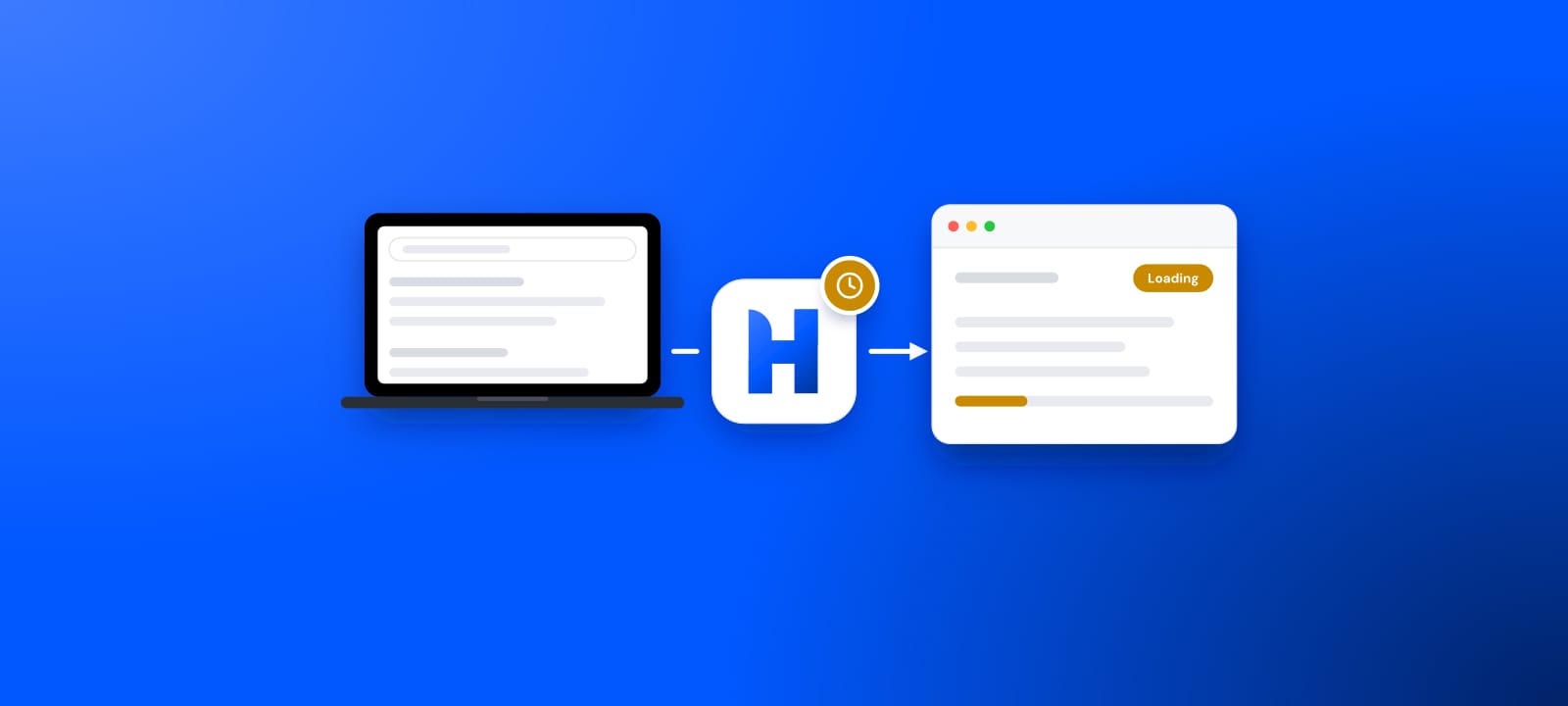
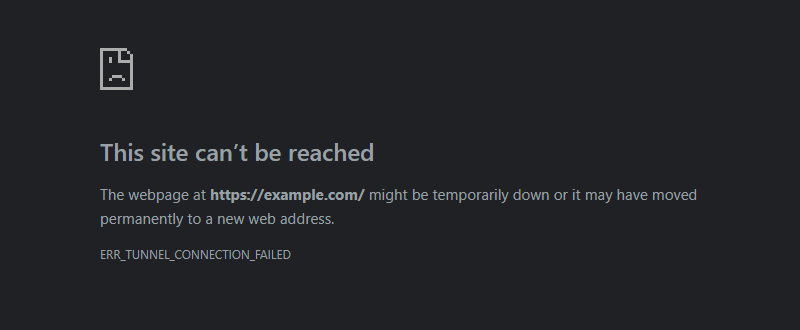
ERR_TUNNEL_CONNECTION_FAILED means Chrome reached the proxy, asked it to open a tunnel to an https:// site, and the proxy did not open it. Chromium's list of network errors files it as -111: "A tunnel connection through the proxy could not be established". Its sibling, ERR_PROXY_CONNECTION_FAILED, is -130. That one covers a proxy Chrome could not connect to at all, and Chromium's comment says it does "NOT include failures during the actual" CONNECT step. So Chrome did reach the proxy. The tunnel is what failed.
This guide follows that tunnel through Chromium's source, RFC 9110, curl and Squid, each read on October 13, 2026. It adds one measurement of our own: how many proxies in our free list relay plain pages but fail our HTTPS tunnel check.
What a tunnel is, and why only HTTPS needs one
For an http:// page, the browser hands the whole request to the proxy, and the proxy fetches the page. An https:// page needs a private line to the site, so the browser first sends the proxy a CONNECT request with the site's host and port. RFC 9110 defines it: "The CONNECT method requests that the recipient establish a tunnel to" the server that the request names. If that works, the proxy switches to "blind forwarding" of the data in both directions. Chrome then runs its TLS session through the tunnel. Its proxy documentation notes that this way "end-to-end encryption is not broken", although "the hostname of the target URL is sent to the proxy server" in the clear.
The proxy's answer decides everything. RFC 9110 says that any answer other than a success means the tunnel was not formed. Chrome's code, in http_proxy_client_socket.cc, splits the answer three ways:
- 200: the tunnel is open. Chrome still fails it if "The proxy sent extraneous data after the headers".
- 407: Chrome runs its own proxy login.
- Anything else: ERR_TUNNEL_CONNECTION_FAILED.
A reply without an HTTP/1.x status line fails the same way, before any of the three.
Chrome
connects to the proxy; a failure here is -130
Proxy
answers CONNECT; anything but 200 or 407 is -111
Site, port 443
Chrome never gets here
Why Chrome hides the proxy's reason
Chrome throws the proxy's answer away. Its source ignores the response "to avoid letting the proxy impersonate the target" server. A proxy could otherwise show a page of its own under the site's address. The same comment admits the cost: some proxy error pages "contain a useful error message". Squid, for one, "uses a 404 response to report the DNS error".
Chrome also does not move on to the next proxy. If your settings or a PAC file list several proxies, Chrome falls back only on connection failures. Its proxy documentation explains that before Chrome 67 a failed tunnel counted as well. That caused trouble for "deployments whose HTTP proxies intentionally failed certain https:// requests". The source keeps the rule, since "some client's PAC configurations rely on" it "for some degree of content blocking". Refusing a tunnel is one way a network blocks a site.
Ask the proxy why
Two tools show the answer Chrome hides.
With curl
curl prints the whole exchange with -v. Its manual marks a "header sent by curl" with > and a "header received by curl" with <. Run it with the proxy's address and port and any https:// site:
curl -v -x http://203.0.113.7:8080 https://example.com/
Find the line > CONNECT example.com:443. The < line after it is the proxy's answer. If that answer is not a 2xx, current curl stops with "CONNECT tunnel failed, response" and the code. It exits with CURLE_COULDNT_CONNECT, number 7, which libcurl describes as "Failed to connect() to host or proxy". Older versions used exit code 56 and, before 7.87.0, other wording; our 407 guide lists them by version. Our guide to curl proxy errors covers the other codes.
With Chrome's own NetLog
Chrome can record the answer itself. A NetLog dump, in Chromium's words, "is a log file of the browser's network-level events and state". Chromium's guide gives the steps:
- Open a new tab at
chrome://net-export/. - Click "Start Logging To Disk".
- Load the failing https:// page in a different tab, and keep the net-export tab open.
- Click "Stop Logging".
Open the saved file in the NetLog viewer that the guide names. Chrome logs the proxy's reply under the event HTTP_TRANSACTION_READ_TUNNEL_RESPONSE_HEADERS, so search the events for that name.
What the proxy's answer to CONNECT means
| Answer | Meaning | Next step |
|---|---|---|
| 200 | Tunnel open | Check Chrome |
| 407 | Login wanted | Fix the login |
| 403 | Refused | Port or policy |
| 404 (Squid) | Name failed | Check the host |
| 405 | No CONNECT | Other proxy |
| 502, 504 | Site failed | Try two sites |
| 503 | Overloaded | Wait, retry |
| No HTTP line | Wrong protocol | Check SOCKS |
RFC 9110; Chromium http_proxy_client_socket.cc; read October 13, 2026
The causes, and the fix for each
1. The proxy does not open tunnels
Some proxies relay plain http:// pages and refuse CONNECT, or fail at it. Our free list tests the two separately. One probe sends a plain request through the proxy. The HTTPS probe tests "CONNECT tunnels only", and the code adds that a plain relay must "never earn the https flag". At 19:22 UTC on October 13, 2026, the list held 4,033 proxies that relayed a plain page and 3,792 that opened a tunnel; 5,705 did at least one of the two. By our arithmetic, 1,913 of the 4,033, or 47.4%, relayed plain pages without passing the tunnel check. Through such a proxy, http:// sites load and https:// sites fail.
The fix is a proxy whose HTTPS support has been checked. Our free proxy list marks HTTP and HTTPS separately for every address, and our proxy checker "checks proxy lists from your own connection". Check close to the time you use an address. In the words of our own API docs, the pool "moves every few minutes as proxies die and new ones are found".
2. The proxy allows tunnels only to certain ports
RFC 9110 asks proxies that support CONNECT to "restrict its use to a limited set of known ports". Its example is port 25, where an open tunnel could relay spam. Squid's default configuration does it in two lines, acl SSL_ports port 443 and http_access deny CONNECT !SSL_ports, under the comment "Deny CONNECT to other than secure SSL ports". A denied request gets a 403 Forbidden by default, as Squid's documentation states. So a site on an unusual port, such as https://example.com:8443, can fail while the same site on 443 loads. Use port 443 where the site offers it, or ask whoever runs the proxy.
3. The proxy wants a login
A 407 means, in RFC 9110's words, that the client needs to "authenticate itself in order to use a proxy for this request". Chrome answers a 407 with its own login step, and its proxy documentation lists Basic, Digest, Negotiate and NTLM for HTTP proxies. A scheme outside that list ends in a different error, ERR_PROXY_AUTH_UNSUPPORTED (-115). A proxy that signs you in by IP address refuses a new address, and any refusal other than 407 shows up as ERR_TUNNEL_CONNECTION_FAILED. Check the username and password where the proxy was set, and your current address on the provider's allow list. Our guide to 407 Proxy Authentication Required covers the login side in full.
4. The proxy cannot reach the site
Here the proxy took the CONNECT and failed on its own side. In RFC 9110, a 502 means the proxy "received an invalid response" from the server behind it, and a 504 means it "did not receive a timely response". A 503 comes "due to a temporary overload" or maintenance, so wait and try again. Squid reports a name it cannot resolve with a 404, as Chromium's source notes. Test two or three other https:// sites through the same proxy. If all of them fail, the proxy's own network is broken, and only its operator can fix that. If one site fails, that site does not answer the proxy: open it without the proxy, or tell the proxy's operator.
5. A proxy or filter blocks certain sites
Some proxies refuse tunnels to chosen sites on purpose. Chrome's documentation calls them "deployments whose HTTP proxies intentionally failed certain https:// requests". The signature: most sites load, and one site or one kind of site fails with this error. On a work or school network, the block is the network's rule, and its administrator is the person to ask. On your own computer, the program that runs the proxy decides which sites pass, and its settings or its uninstaller are the way out.
6. A program on your own computer is the proxy
An address of 127.0.0.1 means the proxy runs on your own computer, since RFC 6890 reserves 127.0.0.0/8 for loopback. That program may answer and still fail to open tunnels. On Windows, netstat -ano "Displays active TCP connections and includes the process ID (PID) for each connection". Find the line with the port from your proxy setting. Then, as Microsoft puts it, "You can find the application based on the PID on the Processes tab in Windows Task Manager". Remove that program properly, then switch the proxy off as in how to turn off a proxy.
7. A SOCKS address in the HTTP proxy field
Chrome sends CONNECT as HTTP text and expects an HTTP/1.x status line back. Without one, its code fails the tunnel with this error. A SOCKS server speaks another protocol, so a SOCKS address typed into an HTTP proxy field can end here. Port 1080 is the hint. RFC 1928 says the SOCKS service "is conventionally located on TCP port 1080", and Chrome's documentation gives 1080 as the default port for SOCKS. In Chrome a SOCKS proxy is written socks5://host:port, through an extension or the --proxy-server switch. One limit applies there: "No authentication methods are supported for SOCKSv5 in Chrome".
Chrome-side checks when curl says the tunnel works
If curl gets a 200 through the same proxy and Chrome still fails, look at what Chrome itself uses. Chrome's Settings, under System, show who controls the proxy, with lines such as "is using proxy settings from an extension" or "is using proxy settings from your administrator". Extensions use the chrome.proxy API, which exists "to manage Chrome's proxy settings". Turn off the extension that manages yours at chrome://extensions and reload. When the administrator sets the proxy, the device is managed, and the administrator decides.
If you never set a proxy
Read the address before you switch anything off. On Windows, Microsoft's steps lead through Settings, Network & internet, Proxy. On a Mac, Apple's path is to "choose Apple menu > System Settings, click Network in the sidebar, click a network service, click Details, then click Proxies". An address of 127.0.0.1 is a program on your own computer, as in cause 6. An address you do not recognize is worth a look in our IP lookup, which shows "whether it is a known proxy". If the setting comes back after you clear it, our guide on turning off a proxy explains what that means.
Other wordings of the same failure
Tools outside Chrome word it their own way. curl stops with "CONNECT tunnel failed, response" and the code. One search that reached this page was an error message ending in "proxy tunnel failed: tunnel connect handshake failed: proxy connection closed during connect handshake". Read literally, the proxy closed the connection during the CONNECT step, before any answer. Test such a proxy with curl as above.
One wording only looks related. GitHub's search finds "Failed to complete tunnel connection" in 92 issues and pull requests, several of them about ngrok, a tunneling service for exposing a local server. ngrok's own page for error 8012 says its agent "failed to establish a connection to the upstream web service", which is the program on your machine that ngrok forwards to. Chrome's proxy plays no part there.
The one-minute isolation
- Run the curl command above against an https:// site, and read the line after CONNECT.
- A 200 in curl and a failure in Chrome: check Chrome's extensions and who controls its proxy.
- A 407: fix the login, or your address on the allow list.
- A 403 or 405: use port 443, or a proxy that opens tunnels.
- A 502, 503 or 504: try two other sites; if all fail, the proxy's side is broken.
- No HTTP answer at all: look for a SOCKS address in an HTTP field.
- Only certain sites fail, and the proxy belongs to a filter or a network: the block is deliberate, so ask whoever runs it.
Where HProxy fits
Every fix above ends at a proxy that opens the tunnel you ask for. Our residential proxies give a fresh IP per request from $0.44 per GB, and Premium keeps one address for up to 24 hours from $1.00 per GB. ISP proxies can also stay on a single dedicated static IP. Datacenter IPv4 proxies from $1.58 per IP take HTTP, HTTPS and SOCKS5 over TCP.
What we could not find out
- What Chrome shows when a proxy closes the connection during CONNECT without sending a byte. Chromium's code passes on the socket's own error there; we did not test which error page appears.
- Which status codes free proxies send when they refuse CONNECT. Our checker records only whether a tunnel opened.
- Which tool printed the "tunnel connect handshake failed" message. Search Console shows the words, and we found no source that names the tool.
- How Chrome on Android handles a proxy that needs a login. We did not check it.
Sources
Read on October 13, 2026.
- Chromium source on GitHub: net/base/net_error_list.h (-111, -115, -130).
- Chromium source: net/http/http_proxy_client_socket.cc, how Chrome reads the answer to CONNECT.
- Chromium source: net/http/proxy_fallback.cc, when Chrome tries the next proxy.
- Chromium documentation: Proxy support in Chrome.
- Chromium: How to capture a NetLog dump.
- Chrome's settings strings (settings_strings.grdp) and the chrome.proxy API.
- RFC 9110, HTTP Semantics, sections 9.3.6 (CONNECT) and 15 (status codes).
- RFC 1928, SOCKS Protocol Version 5 and RFC 6890 (loopback).
- Squid's default configuration, src/cf.data.pre.
- curl: lib/cf-h1-proxy.c, libcurl error codes and the --verbose option.
- Microsoft: netstat and Use a proxy server in Windows.
- Apple: Change Proxies settings on Mac.
- GitHub issue search for the two wordings above, and ngrok's documentation for error 8012.
- Our free proxy list API counts, our checker's code, Google Keyword Planner volumes, and this page's Search Console queries from July 15 to October 12, 2026.