Every proxy list has a SOCKS5 column, every proxy provider sells it, and most explanations of it stop at "it's a more flexible proxy." That is true and useless at the same time. This guide explains what SOCKS5 actually does, where it genuinely beats an HTTP proxy, and where the marketing around it oversells.
The comparisons below come from watching both protocols behave in the wild, across the free proxy list we keep verified around the clock, not from a spec summary. We read the spec too, and we will quote the interesting parts.
What is a SOCKS5 proxy?
A SOCKS5 proxy is a relay that forwards raw network connections without reading or changing what travels through them. Unlike an HTTP proxy, it carries any TCP traffic, not just web requests, can resolve DNS on your behalf, supports authentication, and can even relay UDP. It adds no encryption of its own, so it hides your IP but does not protect your data.
SOCKS5 proxy
proxy protocol
A relay that forwards raw network connections without reading or changing what travels through them. It carries any TCP traffic, can resolve DNS for you, supports a login and can relay UDP. It adds no encryption: it hides your IP, not your data.
That property, not understanding your traffic, is the source of everything SOCKS5 is good and bad at. An HTTP proxy speaks HTTP: it parses your request, can read and rewrite headers, cache responses, and refuse URLs. A SOCKS5 proxy speaks only "please connect me to this host and port." What flows afterwards is none of its business: web pages, game packets, database wire protocols, anything TCP (and, on paper, UDP).
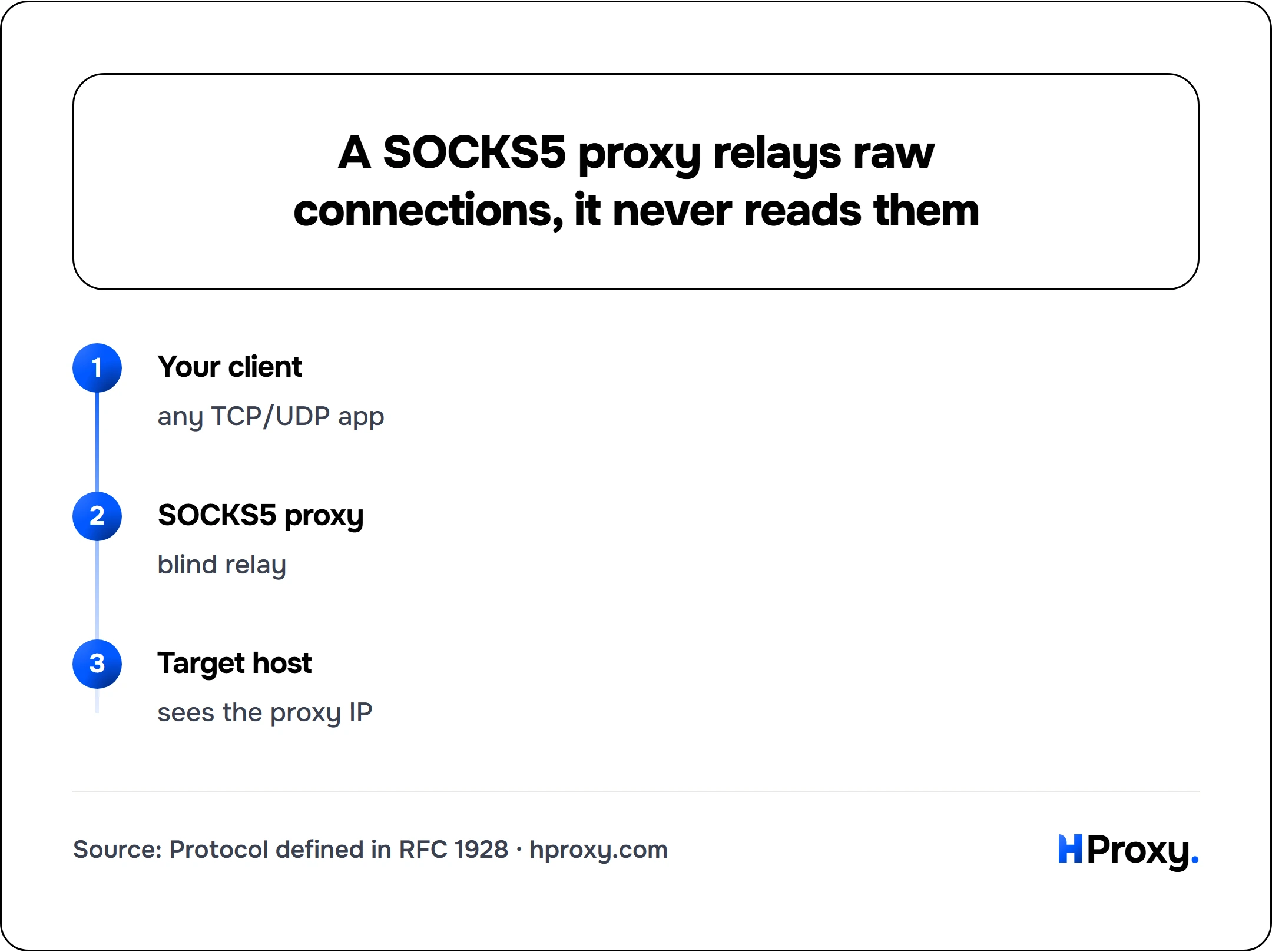
Your client
any TCP/UDP app
SOCKS5 proxy
blind relay
Target host
sees the proxy IP
What actually happens during a SOCKS5 connection
The protocol is defined in RFC 1928 and is refreshingly small. When your client connects through a SOCKS5 proxy, four things happen:
- Greeting. Your client connects to the proxy (commonly port 1080) and sends a version byte (
0x05, literally the "5" in SOCKS5) followed by the list of authentication methods it supports. - Method selection. The proxy picks one and sends it back: usually
0x00"no authentication required" on open proxies, or0x02username/password (defined in RFC 1929) on commercial ones. If nothing the client offered is acceptable it returns0xFFand the connection closes. - The request. Your client sends one command byte:
0x01CONNECT to a host and port (nearly everything uses this),0x02BIND (accept an inbound connection, rare today), or0x03UDP ASSOCIATE (relay UDP datagrams). - The relay. The proxy answers with a success code and from that moment simply shovels bytes in both directions. It never looks inside.
Two details in step 3 matter more than the rest of the spec combined.
Detail one: the proxy can resolve DNS for you
Every SOCKS5 request carries an address-type byte (ATYP) that tells the proxy how to read the destination: 0x01 for a 4-byte IPv4 address, 0x04 for a 16-byte IPv6 address, or 0x03 for a domain name, sent as a single length byte followed by the name itself with no terminating null. That third option is the whole trick. If your client fills in the domain name instead of resolving it first, the proxy does the DNS lookup on its side. This is called remote DNS resolution, and it is the difference between the socks5:// and socks5h:// schemes you see in tools like curl: with plain socks5:// your machine resolves the name first (and leaks your DNS queries to your local resolver), with socks5h:// the proxy resolves it.
If you use a proxy for privacy and your DNS queries still go out locally, the proxy is hiding much less than you think. This is one of the most common misconfigurations we see, and it is invisible unless you look for it.
Detail two: UDP support exists, with an asterisk
SOCKS5 can relay UDP through the UDP ASSOCIATE command, which is why "supports games and streaming" appears in every sales page. The asterisk: a large share of real-world SOCKS5 servers, especially free ones, either disable UDP or sit behind NATs and firewalls that break it. TCP CONNECT works nearly everywhere; UDP is something you verify before you rely on it, not something you assume.
How SOCKS5 differs from an HTTP proxy
| SOCKS5 | HTTP proxy | |
|---|---|---|
| Understands your traffic | No, relays bytes | Yes, parses HTTP |
| Protocols it can carry | Any TCP (UDP sometimes) | HTTP; HTTPS via CONNECT tunneling |
| Can modify or cache traffic | No | Yes (headers, caching, filtering) |
| Can add identifying headers | No | Yes, and transparent ones do |
| DNS at the proxy | Yes, if the client sends hostnames | Yes for absolute URLs, yes via CONNECT |
| Authentication | None or username/password | Basic auth, sometimes IP allowlists |
| Encryption | None (bring your own TLS) | None (bring your own TLS) |
| Typical port | 1080 | 3128, 8080, 80 |
Three takeaways from that table.
Anonymity is about headers, and SOCKS5 has none. The transparent/anonymous/elite grades you see on proxy lists describe what an HTTP proxy inserts into forwarded requests: a transparent one passes your real IP in X-Forwarded-For, an elite one adds nothing. A SOCKS5 proxy never touches the protocol layer where those headers live, so it cannot leak your IP that way even if it wanted to. That is a structural advantage, not a configured one.
Neither encrypts anything. "SOCKS5 is more secure" usually means "it does not modify traffic," which is not security. If your connection is HTTPS, it is TLS doing the protecting through either proxy type. If it is plain HTTP, both proxy types (and their operators) can read every byte.
HTTP proxies earn their place when you want the meddling. Caching, corporate filtering, rewriting requests in a scraping pipeline, injecting auth headers for a crawler fleet: those need a proxy that understands HTTP. "Dumber" SOCKS5 cannot do any of it.
For the full head-to-head, including which protocol to pick for scraping, privacy, and specific tools, see our dedicated guide on HTTP vs SOCKS5 proxy, and for how SOCKS5 improved on the older versions, SOCKS4 vs SOCKS5.
Where SOCKS5 is the right tool
- Non-web TCP traffic. Mail clients, IRC, SSH hops, database connections, custom binary protocols. An HTTP proxy simply cannot carry these (its CONNECT method can tunnel some of them, but support is often restricted to port 443).
- Applications with native SOCKS support. Torrent clients, messaging apps, game launchers and most scraping frameworks speak SOCKS5 natively, and it behaves predictably across all of them.
- Privacy-sensitive routing with remote DNS.
socks5h-style resolution keeps both your traffic destination and your DNS lookups off your local network. - Tooling that needs one proxy for everything. Point an entire application at one SOCKS5 endpoint and every protocol it uses follows, no per-protocol configuration.
And where it is not: if your tool only accepts HTTP proxies, or your workflow benefits from caching and header control, protocol purity is worth nothing. Use what fits the pipeline.
Using a SOCKS5 proxy in practice
The fastest way to try one is curl. Pull a live SOCKS5 endpoint from our free API and route a request through it:
# One live SOCKS5 proxy, fresh from the pool
curl "https://hproxy.com/api/proxy-list?format=txt&protocol=socks5&recent=true&limit=1"

# Route through it, resolving DNS at the proxy (socks5h)
curl -x socks5h://198.51.100.14:1080 -s https://httpbin.org/ip
If the second command returns the proxy's IP instead of yours, the relay works. We keep a dedicated SOCKS5 section of the free list with live-checked entries, uptime history and network data for exactly this kind of experimentation, and our proxy checker will grade any proxy you paste into it, including whether it really is SOCKS5.
For anything beyond experiments, the free-pool rules apply (we wrote a whole guide to when free proxies are fine): shared IPs die fast and are already flagged by major sites. Paid residential and datacenter proxies from any reputable provider, ours included, support SOCKS5 alongside HTTP, so the protocol choice stays yours while the IP quality problem goes away.
The details people get wrong, collected
Because these come up in support conversations weekly:
- "SOCKS5 hides me from websites." It hides your IP. It does not touch browser fingerprints, cookies, WebRTC leaks or your logged-in accounts.
- "SOCKS5 is encrypted." No part of the protocol encrypts anything. TLS does, when present.
- "SOCKS5 is always faster." The protocol adds marginally less overhead than HTTP parsing; the server's load and location decide the real number. Measure, don't assume.
- "The username/password makes it secure." RFC 1929 sends credentials in cleartext during the handshake. The spec says so plainly: "Since the request carries the password in cleartext, this subnegotiation is not recommended for environments where 'sniffing' is possible and practical." It gates access to the proxy; it does not protect your data.
- "UDP support means it's great for gaming." Only if the specific server actually relays UDP and sits close enough to keep latency sane. Verify both.
SOCKS5 earned its reputation by being simple, predictable and universal. Keep in mind what it deliberately does not do (inspect, cache, encrypt), and it will never surprise you.
Sources and further reading
The protocol claims above come straight from the specs, both short enough to read in a sitting:
- RFC 1928: SOCKS Protocol Version 5. Defines the version handshake, the method negotiation, the CONNECT / BIND / UDP ASSOCIATE commands, and the IPv4 / domain-name / IPv6 address types that make remote DNS resolution possible.
- RFC 1929: Username/Password Authentication for SOCKS V5. Defines the optional auth exchange and states in its own words that the password travels in cleartext.