A website unblocker is any tool that routes around a network block so a page your school, office, or country filters loads normally. The three free ones that actually work are a web proxy, a free proxy list, and a free VPN, and below we cover what each does, how they compare, and why some get caught by filters faster than others.
We run a proxy network and spend our days checking which free proxies are alive, so we can be blunt about what each option really does instead of selling you one. None of these are magic. They are three different ways to make the block and the site see a different IP than yours, and each is a good fit for a different situation.
What a website unblocker actually is
A website unblocker sits between you and the site you want. It takes your request, fetches the page from its own address, and hands the result back to you. The block never sees your request head for the forbidden domain, it sees you talk to the unblocker instead. That is the whole trick, and every method below is a different packaging of it.
"Browser unblocker" is the same idea with the delivery named instead of the goal. A browser unblocker is an unblocker that lives inside your browser: either a web proxy page you open in a tab, or an extension that reroutes the browser's traffic. People search for "website unblocker" when they are thinking about the site they want, and "browser unblocker" when they are thinking about where the tool runs, but they land on the same handful of options.
One thing to be straight about up front: an unblocker changes which address the network and the site see, and that is all it does. It does not give you privacy or security, and on the free tier it is not reliable for anything you cannot afford to have fail. Keep that in mind as we go through the three options.
The free ways to open a blocked website
A web proxy (the classic browser unblocker)
A web proxy is a website you browse through. You open its page, paste the URL you want, and it loads that page on its servers and streams it back into your tab. There is nothing to install and no setting to change, which is exactly why it is the go-to browser unblocker on a locked-down school or office machine where you cannot touch the network config. CroxyProxy is the name most people know.
The catch is baked into the design. A web proxy only covers the one tab open inside it. It cannot reroute another app, no script can point at it, and it almost always runs ads because bandwidth costs money. The IPs are shared datacenter addresses that strict sites already distrust, so logins, banking, and anything with real bot defenses tend to throw CAPTCHAs or block outright. For a quick look at a blocked page it is the fastest tool there is. For anything past that it runs out of road.
A free proxy list
A free proxy list is a batch of ip:port addresses you plug into your browser, your operating system, or a tool yourself. Instead of browsing through someone else's website, you point your own traffic through a raw address, so the block and the target both see the proxy's IP instead of yours. One entry can cover every tab in your browser, or feed a script, which a web proxy can never do. If you are unsure which of these two you were handed, we drew the line in free web proxy vs free proxy list.
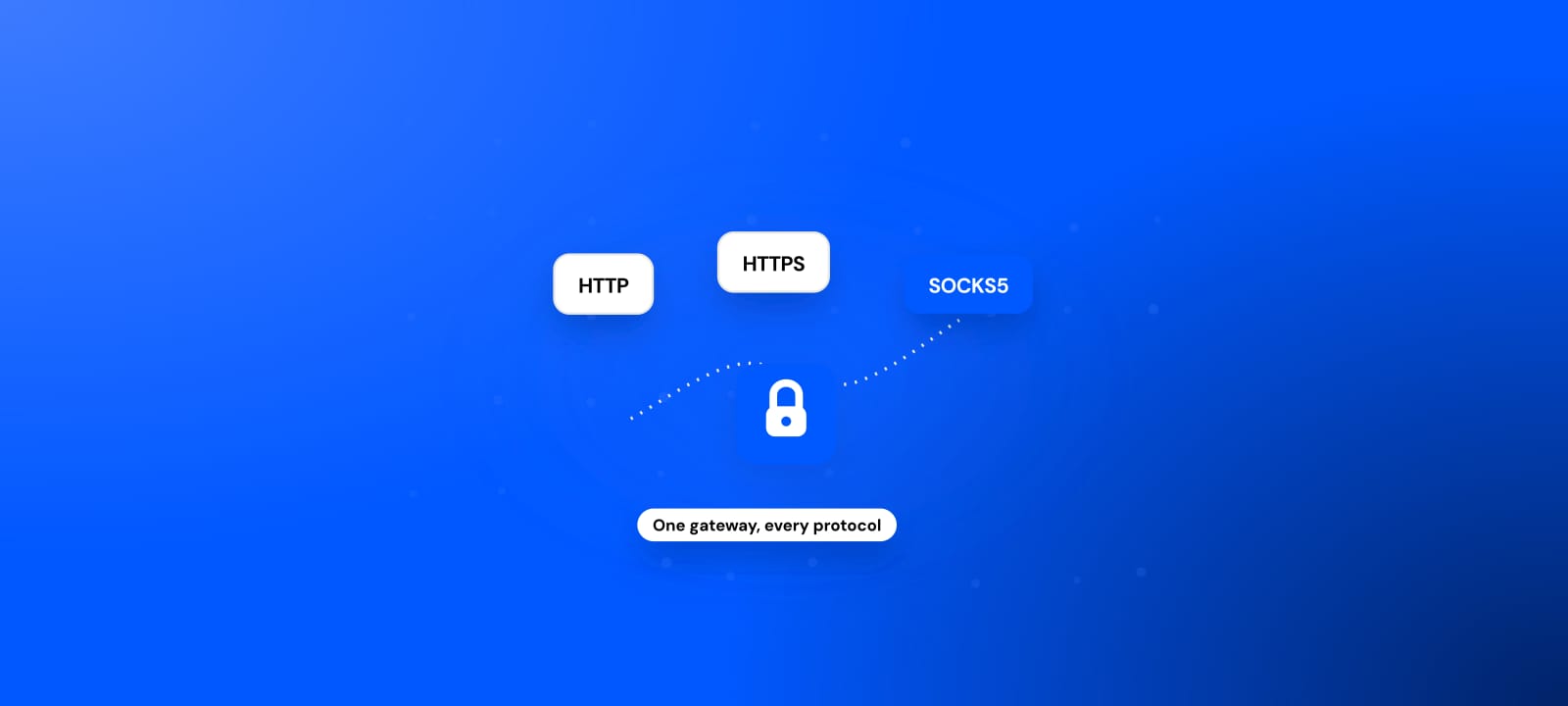
The trade is that raw addresses come with no guarantees. Free proxies are shared by strangers and they die fast: most are datacenter IPs that last minutes to hours, and only a small fraction of any public pool is alive at a given moment, which is the pattern we found across 129,131,311 checks in our free proxy data study: of 589,918 proxies discovered, only around 34,114 sit in the 48-hour working pool at a typical moment. So you test before you trust. Our free proxy list re-checks and refreshes every few minutes across 100+ countries and all four protocols (HTTP, HTTPS, SOCKS4, and SOCKS5), and every row carries a last-checked time and an anonymity grade so you are not routing through a dead entry.
94% lost from Proxies discovered
88% lost from 48-hour working pool
A free VPN
A VPN encrypts your whole connection and sends it through a server somewhere else, so every app on the device, not just the browser, comes out at the VPN's location. That is the one real advantage over the two proxy methods: it is system-wide and it is encrypted, so on an untrusted network the operator sitting between you and the VPN cannot read your traffic. For unblocking a region-locked service on your own phone or laptop, a VPN is often the cleanest fit.
Free VPNs have their own tax, though. The free tier pays for itself somehow, and too often that means logging and selling your browsing, throttled speeds, tiny data caps, or a short list of crowded servers whose IPs are already on every blocklist. On a managed school or work network you frequently cannot install one at all, or the network blocks the VPN's ports outright. The short version is that a VPN buys you encryption and full-device coverage, and pays for it in speed, caps, and being easy to block on locked-down networks.
Website unblocker options compared
Same goal, three different shapes:
| Method | Setup | What it covers | Best for | Main weakness |
|---|---|---|---|---|
| Web proxy (browser unblocker) | None, open and paste a URL | One browser tab | A quick look at one blocked page | Ads, one tab only, dies on logins and strict sites |
| Free proxy list | Paste ip:port into a tool or the OS | Any browser, app, or script | Covering everything, or feeding code | Entries die fast, must be tested every time |
| Free VPN | Install an app | The whole device, encrypted | Region-locked apps on your own device | Caps, throttling, often blocked or bannable on managed networks |
| Paid residential proxy | Paste ip:port with a key | Any tool, from a real home IP | Blocks that survive everything above | Costs money (from $0.44/GB) |
Read it top to bottom and the choice usually makes itself. If your task lives in one tab and you cannot install anything, the web proxy is the least work. If it needs to cover more than a tab or run inside code, the list is the only free option that fits. If you want encryption across the whole device, the VPN. And if none of the free rows survive the block, the last row is what you actually need.
Why school and work filters catch unblockers
Filters do not block "unblockers" as a category. They block the specific things unblockers are made of, and knowing which part tripped you tells you what to try next.
- The unblocker's own domain. School and office filters subscribe to blocklists that add popular web-proxy sites almost as fast as they appear. The moment a browser unblocker gets popular on your network, its domain lands on the list and the page stops loading. This is why the "best" free web proxy seems to change every few weeks: the well-known ones are already blocked.
- Known proxy and VPN IPs. Public proxy addresses and free-VPN servers are datacenter IPs sitting in ranges the whole internet recognizes. Filters, and the target sites themselves, keep lists of these ranges and refuse them on sight. Cloudflare, which fronts a large share of the web, scores datacenter ASNs as low-trust by default, the same signal a school filter uses from the other direction. A free proxy that already carries a bad reputation gets challenged before you do anything at all.
- Category and keyword rules. Many filters classify sites by category (proxy or anonymizer, gaming, social) and block the category, so a brand-new unblocker can be caught for what it looks like rather than a name on a list.
- Protocol and port blocking. VPNs get stopped here. The network blocks the ports and protocols VPNs use, or uses deep packet inspection to spot the handshake, so the app connects to nothing.
The common thread is the IP. Almost every free unblocker exits from a datacenter address, and a datacenter address is the single easiest thing to detect and block. We go through the full detection playbook in how websites detect proxies, and the school-network specifics, including what tends to still get through, in our guide to free proxies for school.
Which unblocker should you use?
Match the tool to the job, not the other way around.
- You want to open one blocked page right now, on a machine you cannot reconfigure: a web proxy (browser unblocker). It is the fastest path from blocked to open, with no install and no settings.
- You need the unblocker in more than one tab, or inside a tool or a script: a free proxy list. One
ip:portcovers your whole browser or feeds your code, which a web proxy cannot do. - You want to unblock a region-locked app on your own phone or laptop, with encryption: a VPN. It covers the whole device, not just the browser.
- The block survives all three (a strict login, a site with real bot defenses, a scrape you depend on): free has hit its ceiling, and the next section is for you.
The one weakness every free unblocker shares
Every free unblocker shares one weakness: the exit IP. Web proxies, public proxy lists, and free VPNs almost all come out of datacenter addresses that sites recognize and distrust, which is why they clear a casual block and then stall on a strict login or a well-defended site. Free is the right tool for disposable, low-stakes unblocking, and paying for that would be a waste. It becomes the wrong tool the moment a password, a payment, or a job you depend on is riding on the connection.
If you are just unblocking a page, start free. Our free proxy list re-checks and refreshes every few minutes across 100+ countries and HTTP, HTTPS, SOCKS4, and SOCKS5, so you can filter to entries that are alive right now, and the free proxy checker confirms any single entry is working and actually hiding you before you rely on it.
When the block survives everything free, the fix is an IP that does not read as a proxy in the first place. That is what our residential proxies are for: real home IPs, encrypted delivery, priced pay-as-you-go from $0.44/GB, so you only pay for what you unblock. Use free for what it is genuinely good at, and switch the moment free would cost you the thing you actually came to do.
Sources
- HProxy free proxy data study: the datacenter mix and working-pool figures behind why free unblockers fail on defended sites.
- Cloudflare: detecting bots that use residential proxies: why datacenter proxy and VPN IPs start with a low trust score.
- Server Name Indication (SNI): the cleartext TLS field that lets a filter block a domain by name.