A rotating proxy is one proxy address that sends your requests out through many different IPs. You connect to a single gateway, and the IP a website sees changes with every request or after a timed session. Its job is to beat the limits a site counts per IP, such as rate limits and IP bans. It leaves your client's own fingerprints untouched. Rotation runs on every IP type. Four sellers we read on October 22, 2026 sold it for datacenter, residential and mobile IPs, at $0.45 to $8.00 per GB. We sell rotating residential proxies, so weigh our view with that in mind.
What is a rotating proxy?
A rotating proxy is a single proxy endpoint that sends each request out through an IP drawn from a pool. The IP the target sees changes on a rule you set, per request or per timed session, and you never manage the addresses yourself. A normal proxy lends you one fixed IP. A rotating proxy is a doorway into thousands of them, and the doorway picks the one you leave through.
How does a rotating proxy work?
You get one hostname and port, plus a login and a password. Ours looks like premium.hproxy.com:10000 with the login you copy whole from the dashboard. That single endpoint is a backconnect gateway, and it does all the work.
Every request reaches the gateway first. The gateway keeps your connection steady, picks an exit from the pool and opens the connection to the target through it. To your code nothing changes between requests: same host, same port, same login. To the target, a different IP shows up. You can point any tool at a rotating gateway, even one that knows nothing about rotation.
Your client
one endpoint, one login
Rotating gateway
picks an exit
IP pool
many exits
Target site
sees a new IP
What decides when the IP changes?
Settings in the login, or the port you connect to, choose the rule:
- Per-request rotation. Every request gets a fresh exit. Two requests in a row share no IP. This suits high-volume collection.
- Sticky sessions. A session label holds one exit for a window, then the pool replaces it. Oxylabs and Decodo default to 10 minutes and Massive to 15, and all three allow up to 24 hours.
- Targeting. A country, and at some sellers a state, city or network, narrows the part of the pool the gateway picks from.
Sessions can end early. Oxylabs and Decodo close one after 60 seconds without activity, and any home device can drop off the network. Our guide to sticky vs rotating proxy sessions compares the windows ten sellers document.
What does rotation defeat?
Rotation works against one family of defenses: anything a site enforces per IP address.
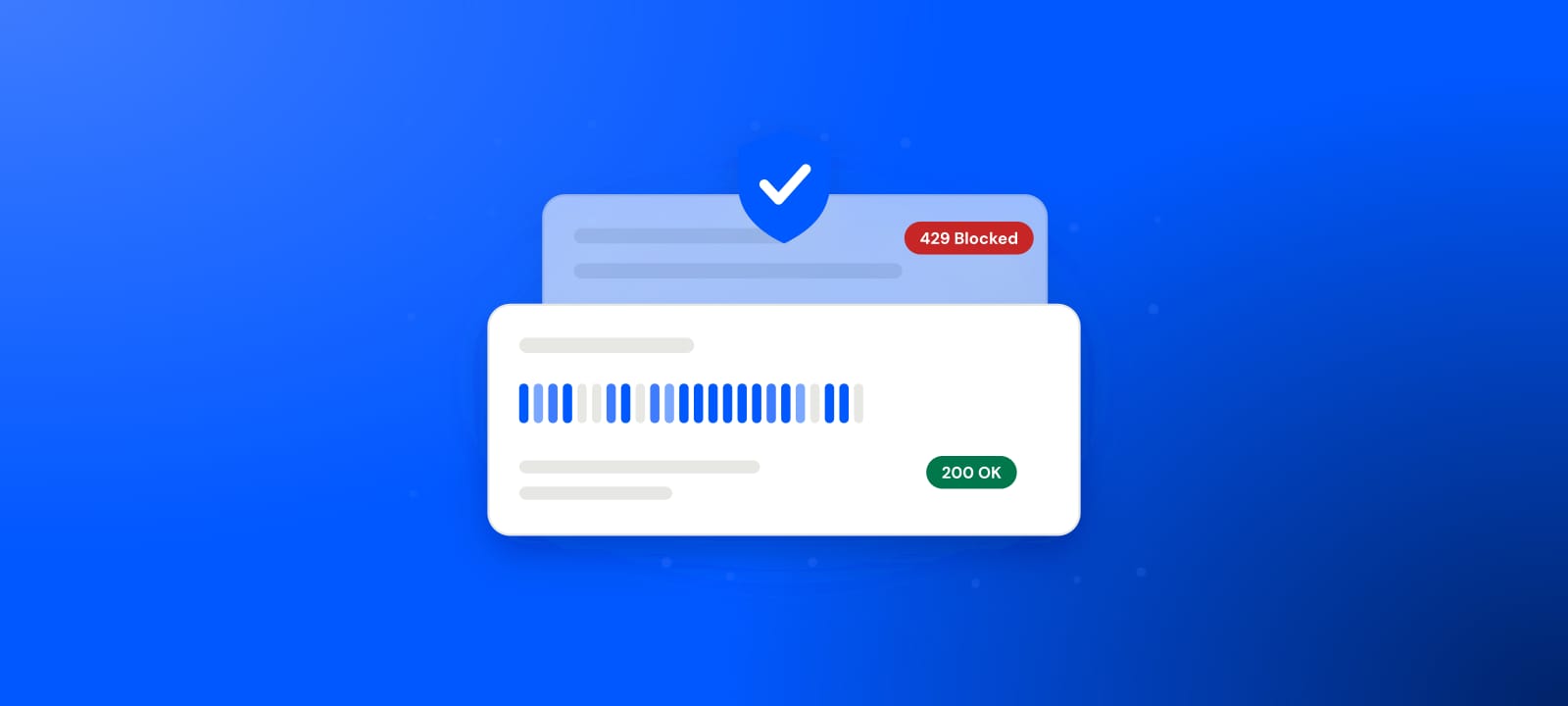
Rate limiting is the clearest case. A site counts requests per source over a window and, past a threshold, answers 429 Too Many Requests. RFC 6585 defines it as "the user has sent too many requests in a given amount of time". The RFC adds that it "does not define how the origin server identifies the user, nor how it counts requests". In practice the cheapest key to count by is the source IP. Rotation spreads requests across many exits, so no single IP comes near the threshold.
Hard IP bans work the same way. When a target blocks an exit, the next request leaves through another IP and the banned one drops out of use. Cloudflare sells bot defense, and it puts it plainly. Rotation, it says, lets attackers "bypass traditional defenses such as IP reputation and IP rate limiting".
Rotation leaves every other signal alone. A TLS fingerprint describes how your client opens a connection. Cloudflare's JA3 and JA4 documentation says these fingerprints "identify TLS clients based on how they initiate connections". A new exit IP changes none of that, and the same holds for timing, cookies and headers. Our guide to how websites detect proxies covers that second layer.
What rotation defeats
Per-IP rate limits
no single exit crosses the threshold
Hard IP bans
the next request uses another exit
Per-IP reputation
a burned exit drops out of use
What rotation does not touch
TLS fingerprint
set by your client, the same from every exit
Robotic timing
the request rhythm still shows
Missing or wrong cookies
session signals stay the same
Mismatched headers
a script reads as one from any address
Is rotation a proxy type?
Rotation describes how long you keep an IP. Residential, datacenter, ISP and mobile describe where the IP comes from and how much a site trusts it. You can rotate any of them, which is the proxy rotation technique applied to a pool.
Four sellers print a per-GB price for rotating datacenter, residential and mobile traffic on their own pages. We read them on October 22, 2026:
- Datacenter
- Residential
- Mobile
The rules differ a little. Bright Data and Evomi sell pay as you go, DataImpulse sells $50 top-ups, and Rainproxy's figures are its smallest packs. A coupon on Bright Data's page halves its residential and mobile rates. Rainproxy is the odd one out, with residential traffic priced below its own datacenter traffic. Our datacenter vs residential proxies page prices that pair at more sellers.
Rotating residential is the pairing most buyers want for defended sites. That is what our residential proxies sell: $0.50 per GB for one GB on Residential Lite, from $0.44/GB at 2,000 GB+. Residential Premium adds state, city and network targeting from $1.00/GB. Our rotating mobile IPs cost $1.50 per GB.
How do you set up a rotating proxy?
Your dashboard shows a host, a port and a login. Copy the login whole, because it carries the country and the session settings. Then point any HTTP or SOCKS5 client at the gateway. With curl:
curl -x premium.hproxy.com:10000 -U "YOUR-LOGIN:YOUR-PASSWORD" https://icanhazip.com
Run it twice. On a rotating line, the two answers usually show two different IPs. Then:
- Choose rotating or sticky per line. Use sticky lines for anything that logs in and rotating lines for collection.
- Add retries. Treat a failed request as a cue to try again through the next exit.
- Check the exit. Our proxy checker shows the IP a line leaves from and how it looks to a website.
- Respect the target's limits. A site's terms and robots rules apply however many IPs you use.
Where do the IPs in a rotating pool come from?
In a residential pool, every exit is someone's home connection, and that shapes how you write code. In 2019, researchers detected 6 million residential proxy IPs across more than 230 countries and 52,000 ISPs. That spread makes the IPs believable. It also makes them uneven: any exit can be slow, or drop mid-request, because a real home line sits behind it. Build retries in from the start.
The same study found many of those proxies running on likely compromised hosts, IoT devices among them, whatever the providers claimed. Ask any seller where its pool comes from before you trust it with your work.
When is rotation the wrong tool?
Rotation fails at persistence. A login that has to hold needs to look like one continuous person. The same goes for a cart on its way to checkout, or a logged-in crawl. Change the IP under an established session and you can be logged out, lose the cart or trip an "unusual activity" check. Many sites read a change of IP in the middle of a session as a hijack. For those flows, widen the sticky window to cover the whole sequence, or use a static IP. Our page on rotating vs static residential proxies prices that choice.
Rotation also hides waste. A blocked request costs little, because the next one takes the next IP. A pipeline can bounce a large share of its requests for months while the pool absorbs them and bills the traffic. Log your block rate even when rotation makes the blocks painless.
When should you use a rotating proxy?
Use one when the work is high volume and aimed at sites that limit or ban by IP. Scraping, price and stock monitoring, search collection and ad checks across regions all fit, as long as they need no lasting identity. Use something static once a flow has to log in and stay logged in. A questionnaire has to finish on the IP it started on, which is why we point survey work at sticky sessions.
Our residential gateway serves both rotating and sticky lines on one plan, priced per gigabyte, so a bursty job never rents idle IPs. Check what any exit looks like to a website with our proxy checker before you trust it with real work. Rates for every pool are on our residential pricing page.
What this page could not check
- No rotation measurements. We measured how often IPs repeat or change at no seller, ours included.
- Four sellers, three rules. Pay as you go, $50 top-ups and smallest packs differ, and Bright Data's rates are list prices.
- Three session documents. The defaults and limits come from Oxylabs', Decodo's and Massive's own documentation.
- Check by January 22, 2027. Prices and session settings change, so every number here needs a fresh read by then.
Sources
- IETF, RFC 6585, "Additional HTTP Status Codes", April 2012.
- Cloudflare, "Using machine learning to detect bot attacks that leverage residential proxies", June 24, 2024.
- Cloudflare, "JA3/JA4 fingerprint", bot management documentation, read October 22, 2026.
- Xianghang Mi et al., "Resident Evil: Understanding Residential IP Proxy as a Dark Service", IEEE Symposium on Security and Privacy, May 2019.
- Oxylabs, "Session control"; Decodo, "What are sticky and rotating sessions?"; Massive, "What are sticky sessions and how do they work?"; each read October 22, 2026.
- Bright Data, datacenter, residential and mobile pricing pages, read October 22, 2026.
- Evomi, DataImpulse and Rainproxy, pricing pages, read October 22, 2026.
- HProxy product pages, price list and documentation, read October 22, 2026.