Proxies for Ahrefs solve one specific problem: keeping your access stable when Ahrefs, which runs behind Cloudflare, starts flagging your IP for logging in too often, from too many places, or requesting data too fast. The short answer is that static residential (ISP) proxies fit logged-in accounts and group buy, rotating residential fits scraping, and the cheap datacenter IPs most people try first are exactly what Cloudflare blocks.
We run a proxy network, so this job crosses our desk constantly: agencies stretching one seat across a team, SEOs pulling SERP and backlink data at scale, and people who just want Ahrefs to load from the right country. This guide covers why people actually use proxies for Ahrefs, which type matches which job, how many IPs you need, sticky versus rotating, the free-versus-paid reality, a real setup, and how to stay unblocked.
Why people use proxies for Ahrefs
Ahrefs does not need a proxy for one person doing normal research. The demand shows up in three situations.
Group buy and shared accounts. Agencies and group-buy services put many users on one Ahrefs seat. Ahrefs ties a session to a login and watches for a single account showing up from many different IPs and locations at the same time. Route every user through one stable IP and the account reads like one person at one desk instead of a shared login.
Multiple accounts from one machine. If you manage several Ahrefs accounts and log into all of them from your home IP, you link them together in Ahrefs's eyes. A separate proxy per account keeps each one on its own IP so they do not get associated.
Pulling data at volume. The Ahrefs API is metered in "units" and priced by the row: every request costs a minimum of 50 units, each returned row bills for the fields it carries (a traffic value alone is 10 units), and overage runs roughly $0.35 to $1.00 per 1,000 rows depending on plan (Ahrefs API limits and consumption docs). That row-by-row cost is why people scrape the web interface for SERP overviews, keyword lists, and backlink exports instead. A burst of requests from one IP trips Cloudflare's rate limits quickly, so the load gets spread across a pool of IPs.
One thing to square away first: Ahrefs's terms restrict account sharing and scraping. Proxies reduce the friction, they do not rewrite the terms. Go in knowing what you are doing and why.
What Ahrefs actually does to block you
Two layers sit between you and Ahrefs data, and they behave differently.
The first is Cloudflare, which fronts ahrefs.com. It rate-limits per IP, serves JavaScript challenges and Turnstile checks to anything that looks automated, and drops known datacenter and hosting ranges fast. Turnstile is not a click-the-images puzzle: it runs a set of non-interactive JavaScript probes in the background (a proof-of-work computation, browser-API checks, behavioral signals) and issues a short-lived clearance token that expires in 300 seconds, so a bare HTTP client that executes no JavaScript fails before any visible challenge appears (Cloudflare Turnstile docs). This is the layer that kills raw scrapers and free datacenter proxies within seconds.
The second is Ahrefs's own account logic. It tracks concurrent sessions on a login, notices when one account jumps between distant locations, and can lock or throttle an account it believes is being shared. This is the layer that catches group-buy setups that let every user hit Ahrefs from their own random IP.
Your proxy choice has to satisfy both. It needs to look like a real residential user to Cloudflare, and it needs to stay consistent enough that Ahrefs's account logic sees one steady home.
Your request
logged in
Static ISP IP
residential, steady
Cloudflare
Turnstile, IP rep
Ahrefs logic
one steady session
Which proxy type fits Ahrefs
There are four options, and only two of them are the right answer most of the time. If you want the full breakdown of how residential IPs differ from the rest, we wrote what a residential proxy actually is, but here is the version that matters for Ahrefs.
Static residential, also called ISP proxies, are residential-classified IPs hosted on stable infrastructure. You hold the same IP for weeks. This is the best fit for logged-in accounts and group buy, because the account keeps one consistent home that Cloudflare trusts and Ahrefs's account logic does not flag.
Rotating residential are real ISP IPs from a large pool that changes on a schedule or per request. This is the fit for scraping public, logged-out data at volume, because you spread requests so no single IP looks busy.
Datacenter proxies are cheap and fast but come from ranges Cloudflare recognizes on sight. Fine for a quick reachability test, poor for anything logged in or sustained.
Mobile proxies ride real carrier IPs and are the hardest to block, but they are slower and expensive. You almost never need that level for Ahrefs, so save them for harder targets.
| Proxy type | How Ahrefs (via Cloudflare) treats it | Best for | Watch out for |
|---|---|---|---|
| Static residential (ISP) | Stable, residential-classified IP | Logged-in accounts, group buy | Fewer locations than large rotating pools |
| Rotating residential | Real ISP IPs that blend in | Scraping public data at volume | Rotate too fast and you break sessions |
| Datacenter | Known ranges, flagged quickly | Quick reachability tests | Blocked fast on logged-in use |
| Mobile (4G/5G) | Carrier IPs, hardest to block | Extreme anti-bot cases | Expensive and slower, overkill for Ahrefs |
Sticky or rotating, and how many IPs
This is where most Ahrefs proxy setups go wrong, so be precise.
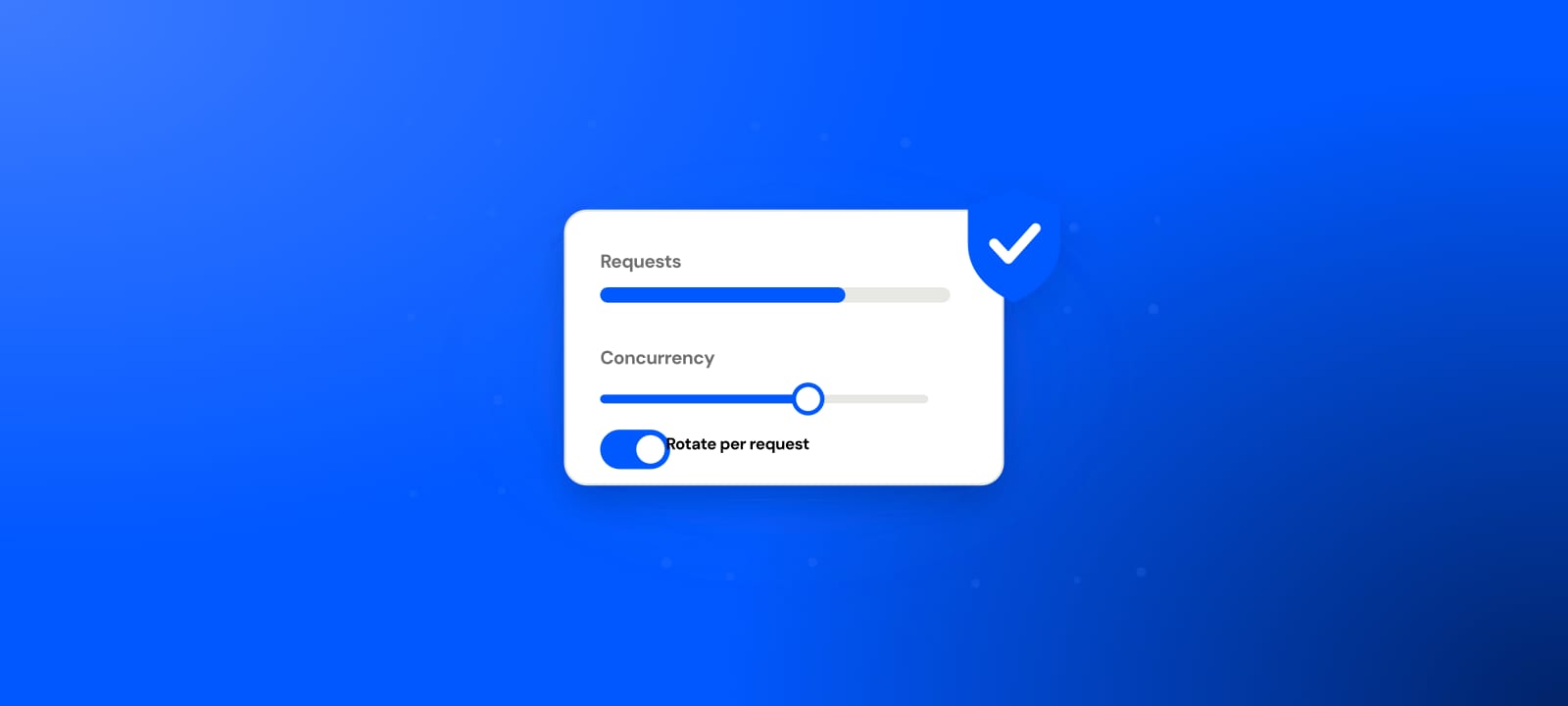
For anything logged in, go sticky. A logged-in Ahrefs account that changes IP mid-session looks like either a hijacked login or a bot, and that is exactly what the account logic hunts for. One account should sit on one IP and stay there. Static ISP proxies do this by default, and good rotating providers let you pin a sticky session for a set duration.
For logged-out scraping, go rotating. Public SERP and keyword pages have no session to protect, so you want to spread requests across many IPs and keep each one under Cloudflare's per-IP rate limit.
Now the counts, because "how many IPs" has a different answer for every job.
One account, one user, logged in: exactly one stable IP. Adding more IPs here hurts you, it does not help.
Group buy, many users on one account: still one shared exit IP for the whole account. Every user tunnels through the same static residential IP so Ahrefs sees one login location. The moment each user reaches Ahrefs from their own IP, the account shows many locations at once and gets flagged for sharing.
Several separate accounts: one IP per account, kept clean and non-overlapping. Ten accounts means ten IPs with no crossover.
Scraping logged out: size the pool to your request rate. If you want each IP to stay at a calm few requests per minute, you need enough IPs that your total hourly volume, divided across them, keeps every single address slow. More volume means more IPs, never a harder push on one.
Free versus paid for Ahrefs
Nobody selling proxies likes to say this plainly: free proxies almost never work for real Ahrefs use.
Most free proxies are datacenter IPs, and Cloudflare blocks datacenter ranges on sight, so they fail at the front door before Ahrefs even loads. On top of that, free proxies die within minutes, and only a small fraction of any free list works at once. That combination is the opposite of what a logged-in account needs, which is one stable IP that stays put.
Free proxies still have exactly one use with Ahrefs: a throwaway reachability check. If you just want to see whether ahrefs.com loads from a given country, or to test that your scraper is wired correctly before you spend money, a free proxy does the job. For that, and for understanding the safety tradeoffs of public exit nodes, read are free proxies safe before you route anything sensitive through one. Never log into an Ahrefs account through a random free proxy, because you have no idea who runs the exit.
For actual logged-in work or sustained scraping, paid residential is the only thing that holds. It is the difference between an IP that survives Cloudflare and one that does not.
How to set up proxies for Ahrefs
The setup differs depending on whether you are logging in or scraping.
For a logged-in account or group buy:
- Get a static residential (ISP) proxy in the country where the account normally logs in. Geo match matters.
- Put the proxy in a clean, dedicated browser profile, one profile per account. An anti-detect browser makes this easy, but a plain separate profile with a proxy setting works too. Credentials are usually host:port with a username and password, or IP authentication.
- Confirm the IP before you log in. Load an IP-check page through the proxy and verify the country, and that it reads as residential rather than hosting.
- Log in and stay on that IP. Do not rotate mid-session, and do not reuse that IP for a different account.
For scraping public data:
- Use rotating residential, not datacenter.
- Drive a real browser through the proxy (Playwright or Puppeteer), not a bare HTTP client. Cloudflare serves a JavaScript challenge that raw requests cannot pass, and a real browser clears it.
- Rotate per session or per small batch, not on every request if you are holding any state.
- Add human-like delays and randomize timing so you do not machine-gun requests.
- Back off the moment you see a challenge page instead of retrying into a wall.
Whichever path you take, test the proxy before you trust it. Our guide to checking if a proxy is working walks through it, and the free checker tells you in seconds whether an IP is alive and what protocol it speaks.
How to avoid Ahrefs blocks and bans
Most bans come from a handful of avoidable mistakes. The rules:
Match the proxy location to where the account normally logs in. A German account suddenly appearing from Vietnam is a flag on its own.
Keep one account on one IP, and one IP on one account, for logged-in use. Sharing an IP across accounts links them, and spreading one account across IPs looks like sharing.
Stay sticky while logged in. Mid-session IP changes are one of the loudest signals you can send.
Use residential or ISP against Cloudflare, never datacenter, for anything that has to hold up.
Pace your requests. Cloudflare rate-limits per IP, so slow and steady across a pool beats fast and loud on one address.
Use a real browser for scraping so you clear JavaScript challenges instead of getting captcha-walled.
Warm up. Do not log in and immediately fire hundreds of requests. Behave like a person for the first few minutes.
Get these right and the ban rate drops close to zero, because you stop looking like the thing the anti-bot systems are built to catch.
Start with a free test, then scale with residential
The smart order is to prove your setup for free, then pay only for the part that has to survive Cloudflare. Our free proxy list re-checks and refreshes every few minutes and spans 100+ countries across HTTP, HTTPS, SOCKS4, and SOCKS5, and the free checker shows which IPs are alive right now. Use those to confirm ahrefs.com is reachable and your scraper is wired correctly.
Just keep the limits in view: most free proxies are datacenter IPs that die within minutes, and only a small fraction work at once, so they are a testing tool, not a logged-in Ahrefs session. When you are ready for proxies for Ahrefs that actually hold up, our residential proxies start at $0.44/GB, pay-as-you-go. Test for free first, then put money only where Cloudflare forces you to.
If you have already decided the tooling and just need the addresses, proxies for Ahrefs is the page with the plans on it.
Sources
- Ahrefs API, "Limits consumption" (unit pricing, per-row and per-field costs): docs.ahrefs.com
- Cloudflare Turnstile documentation (non-interactive challenge mechanism, token lifetime): developers.cloudflare.com